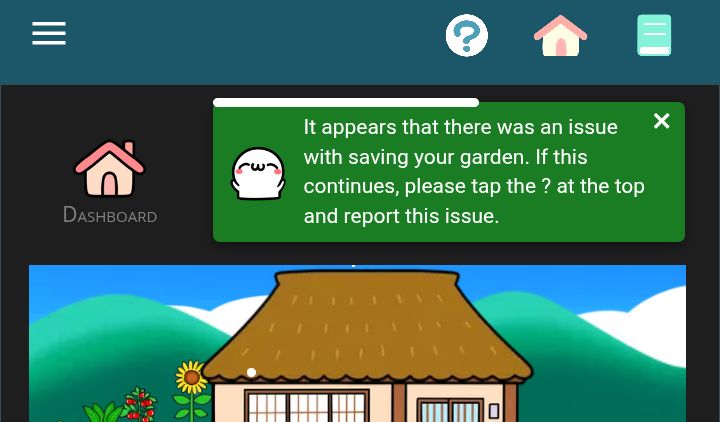
The message below appears whenever I try to save changes to my garden. I can buy things, but they won't stay where I place them, nor will existing decorations stay in any new location. Both the app and the desktop version are affected.
This is really not urgent at all – it's been around for months, but I have so little time for the garden I don't mind if it gets solved next century.😅 I'm happy enough that the Kao Garden exists.
I tried going straight to the garden after opening the app just now - same thing. The cache was cleared, but I could try first thing after a reboot if it helps. I very rarely look at others' gardens, but I visited one now just to see if anything looks off – it didn't, there was just a suspicious-looking deer trying to eat their Christmas tree. :)
Thank you for looking into this and, as I said, no pressure.
Thank you! I was actually wondering about those. I tried moving them myself yesterday, but I probably didn't shift them enough to the left.
In case it happens to someone else: it was probably because the trees' sapling shape is much narrower, so the garden allows you to place them on the edge, but then they grow out of bounds.
Now to blow a whole lot of coins on these awesome decorations! Thank you again!


 Thank you again!