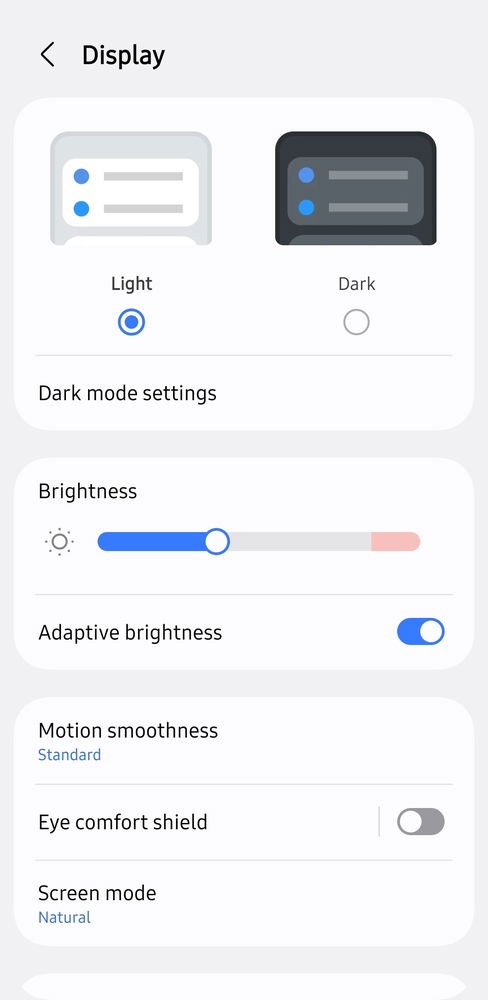
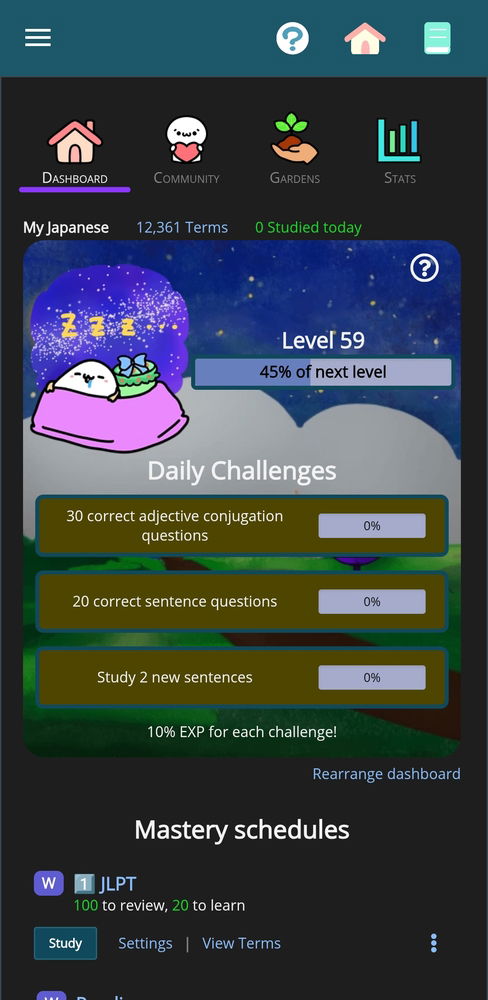
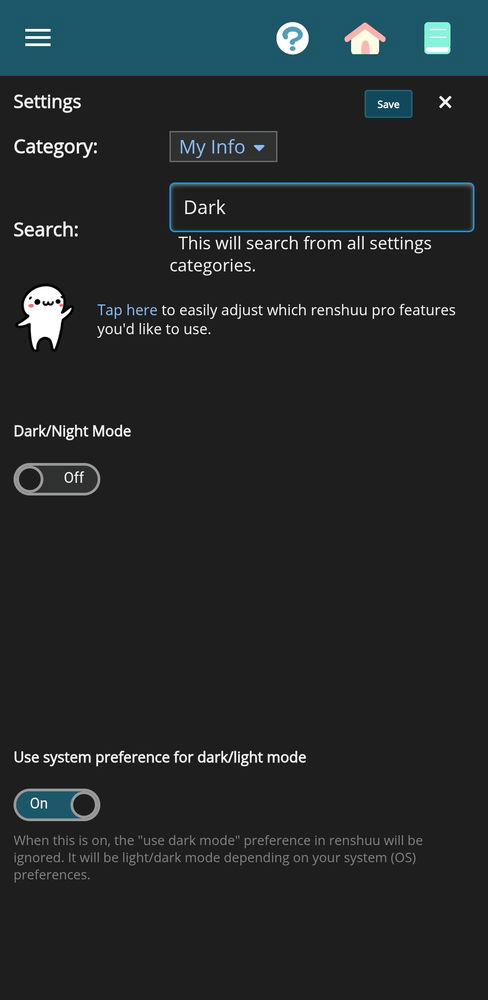
Using system preference makes Renshuu dark. I have tried setting my system to both light and dark, Renshuu stayed dark in both cases. Android on Samsung S23.
I assume that if you turn off that system preference option at the bottom, it'll work? I'm not suggesting that you need to do that, but I'd like to confirm where the issue is.
It has been quite some time, but I have not yet been able to replicate this (and I finally have a new ipad to test it on).
What I would like to see is if you can get a state where everything works as expected, then switch something (whether it is in iOS or in renshuu) and it no longer works.
Sorry, I don't seem to be able to get it to work as expected. Renshuu just switches to the dark mode as soon as I enable the feature. I don't have dark mode enabled on any of my other devices.
It might be some specific issue with and/or Samsung specifically, IDK.
I made a video recording to demonstrate. Although I see that Renshuu can change theme on the fly, I restart it just to make sure. I will send you the video on discord since it's showing my personal data when I go into the system and Renshuu settings.