Vocabulary dictionary

Kanji dictionary

Grammar dictionary

Sentence lookup

test
 

Forums - Pre-intermediate schedule lessons don't appear on schedule

Top > renshuu.org > Bugs / Problems


avatar
Elisines
Level: 88

Hiya!

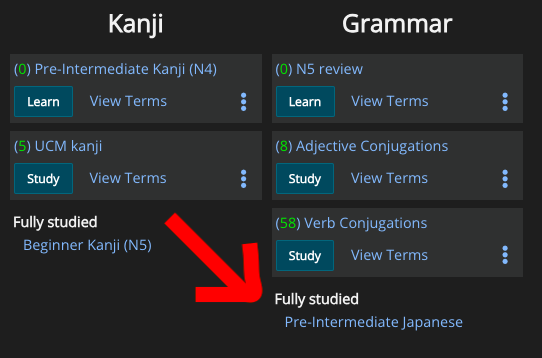
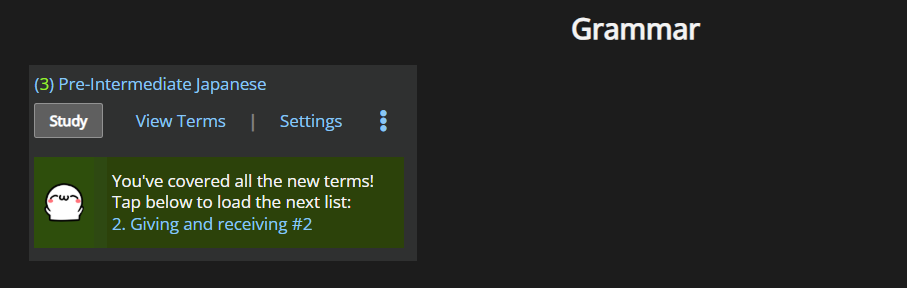
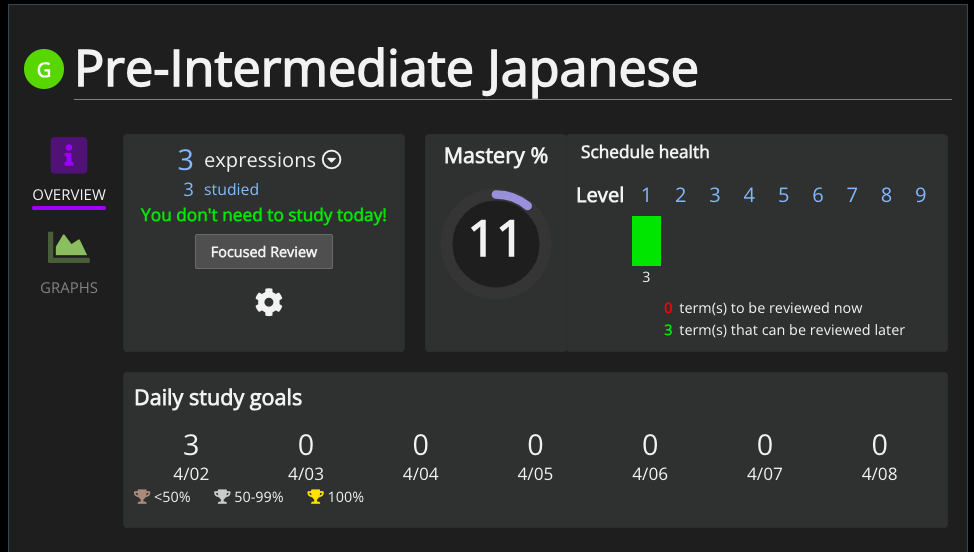
So I deleted and re-added the "Pre-Intermediate Japanese" schedule this way: Resources > Japanese Lessons > View the lessons > Add 'Pre-Intermediate Japanese' to dashboard. But then, on the dashboard, it says "fully studied" (even though I haven't) and when I click on the schedule it says it only has 3 expressions--as seen on the screenshot. Both on app and web. I've tried deleting/re-adding a few times and through other paths, but I get the same issue.

Am I missing something?

Thanks!

84af3da49869bf36c6d4a30e.png
0
8 days ago
avatar

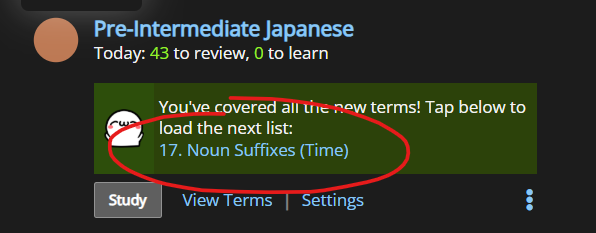
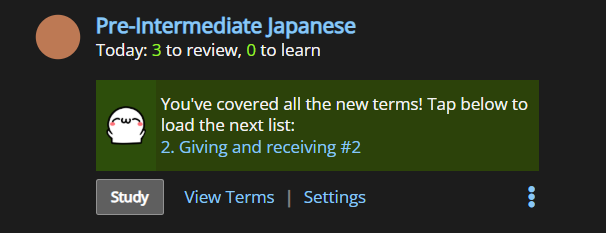
I think you have to keep pressing this until it reaches where you were before.

470458b17c38c3626a4ec788.png

Seems to always start you at lesson one.

e1d6431693cd59715cd6c250.png

Does that work for you?

0
8 days ago
avatar
Elisines
Level: 88

Thanks for the response! Unfortunately, that option doesn't show up :/

The dashboard looks like this:

e78df22dfad429e06af6ce7c.png
0
8 days ago
avatar

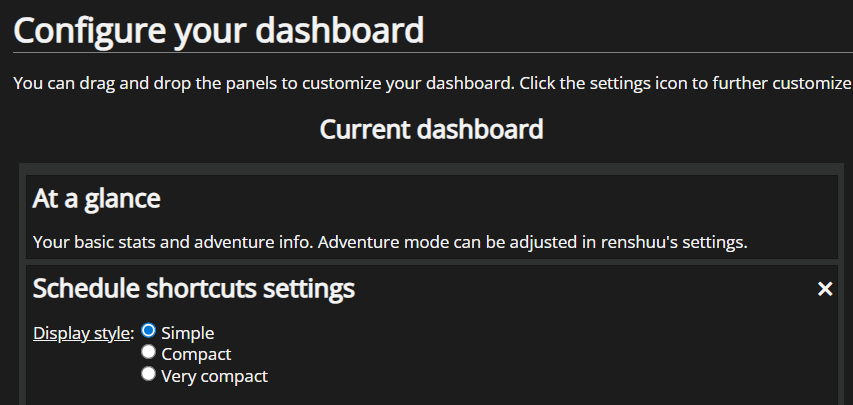
Try going to "Rearrange dashboard" and changing it to Simple:

771f79592593d6913bea9845.png

Edit: Hmm, I tested it and I still see it... Yeah, even on "Very compact" I can still see it:

0d1a326f8b1750317486e797.png

If you don't care about it being linked to the vocab schedule you can add it directly from Community Lists. Though they're slightly different for some reason.

d005472e6e3ec352b4a9140a.png
0
8 days ago
avatar
Elisines
Level: 88

Well, the option to "load the next list" is there now, exactly like on your screenshots. Maybe it just needed to refresh overnight somehow?

Thank you so so so much for answering and for testing so many things to try and help me! kao_heart.png

1
8 days ago
Getting the posts


Top > renshuu.org > Bugs / Problems


Loading the list
Lv.

Sorry, there was an error on renshuu! If it's OK, please describe what you were doing. This will help us fix the issue.

Characters to show:


Use your mouse or finger to write characters in the box.
■ Katakana ■ Hiragana